Teams
Shared catalogs, shared task visibility, team metrics, and trial controls.
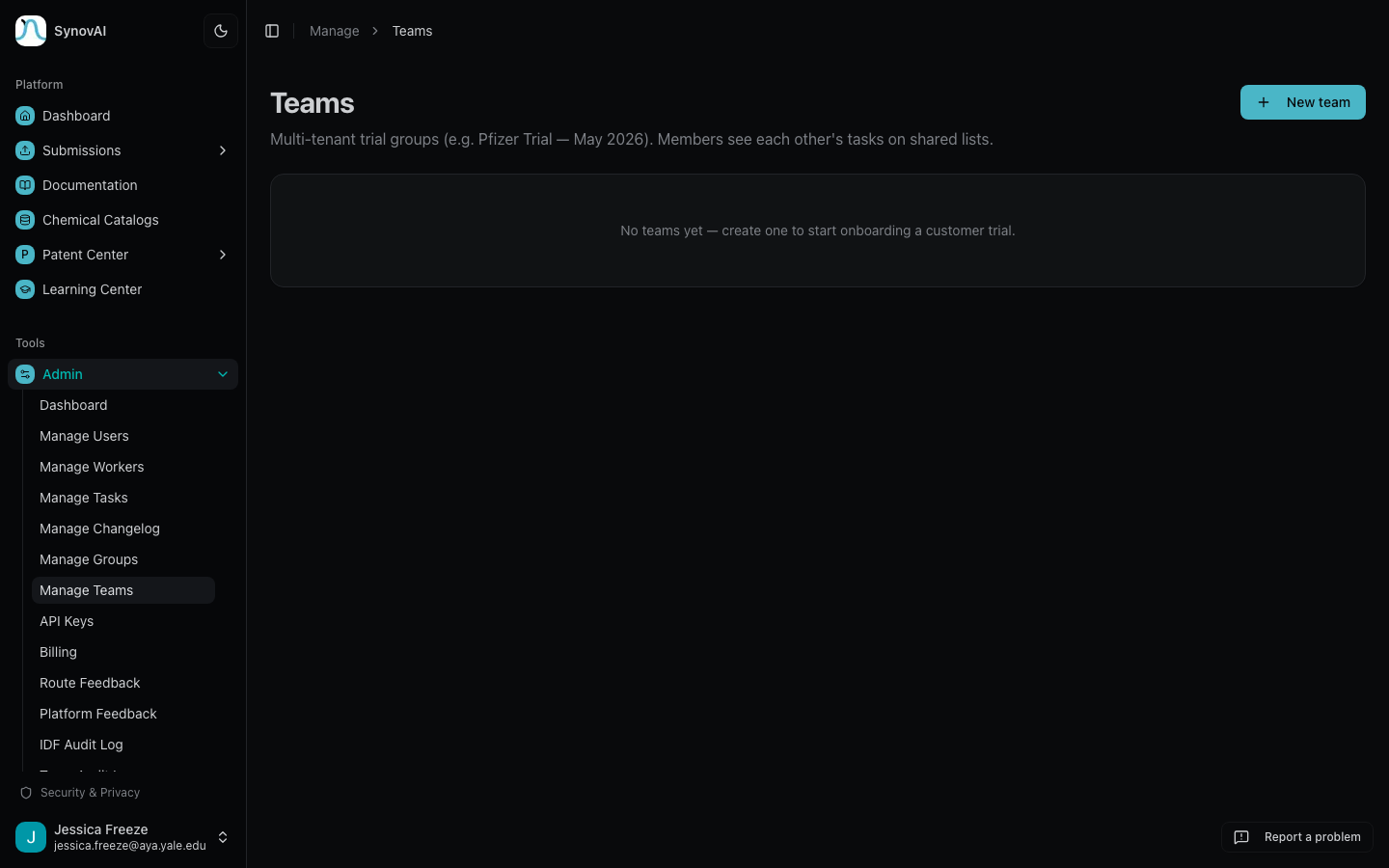
Teams group users so they can share catalogs, see each other's submissions, and track usage at the group level. Used by enterprise deployments where multiple chemists collaborate inside the same account.
What being on a team unlocks
- Shared task visibility: a team-tagged task is visible to every team member, not just the submitter. The task table marks shared tasks with a small Team badge.
- Team-scoped catalogs: upload a chemical inventory once, share it with the team. New members see it the moment they're added.
- Team metrics dashboard: a
/team/<id>/metricspanel showing aggregate usage (submissions, completions, cost) across the team. Per-user breakdowns are admin-only. - Shared queue position hints: the queue badge on a queued task also notes how many of your team's tasks are ahead of yours, when applicable.
Tagging a task to your team
Pipeline submission forms expose a Team scope selector when you belong to more than one team. Pick a team at submission time and the task is shared with that team. Solo users and single-team users don't see the selector; their tasks default to the right scope automatically.
Inviting members
Team admins manage membership at /manage/teams/<id>. Click
Generate invite link, share the link, and the recipient joins on
acceptance. Trial expirations apply at the team level; admins can
extend a team trial from the same page.