Updated May 16, 2026
Favorite routes
Save and compare promising routes across tasks.
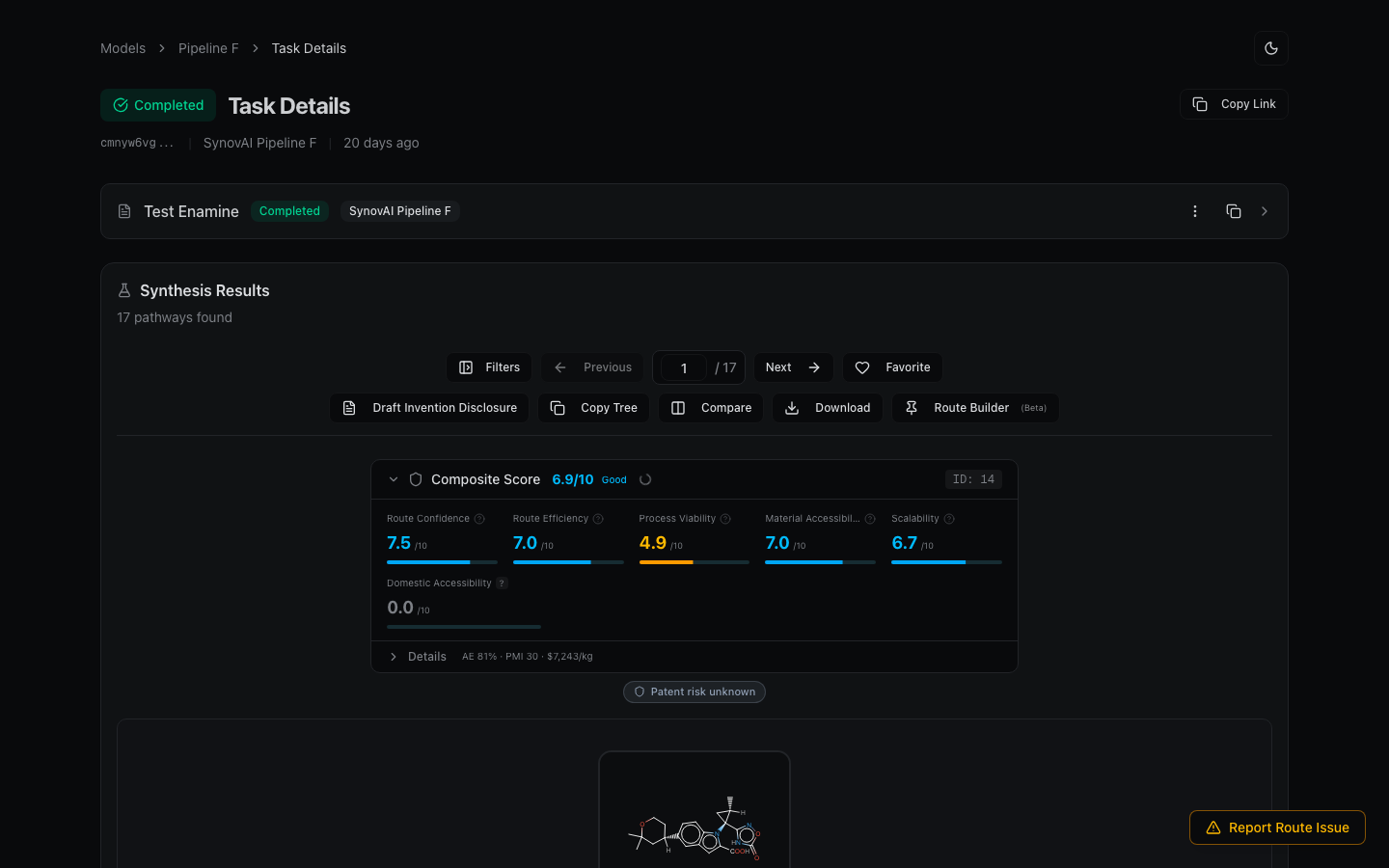
Save promising routes by clicking the heart icon in the route toolbar. Favorited routes are persisted to your account and can be opened from the task details page at any time.
What gets saved
Each favorite stores the complete route tree, including all intermediate molecules, reaction types, and associated metadata (scores, badges, reference entries). You can return to a favorite after weeks or months and inspect it exactly as it was when you saved it.
Using favorites to compare routes
Toggle Show Favorites Only in the filter sidebar to hide non-favorited routes. This turns the route viewer into a side-by-side shortlist — useful during review meetings or when presenting a recommended synthesis.
What to read next
- Route builder — pin specific reaction steps (not just whole routes) across multiple tasks.
- Scoring profiles — narrow down to a shortlist before favoriting.