Updated May 16, 2026
Molecule visualization
SMILES input and the Ketcher structure editor.
SynovAI provides two ways to work with molecular structures: typed SMILES strings or the Ketcher structure editor. Both are available anywhere a molecule input is accepted.
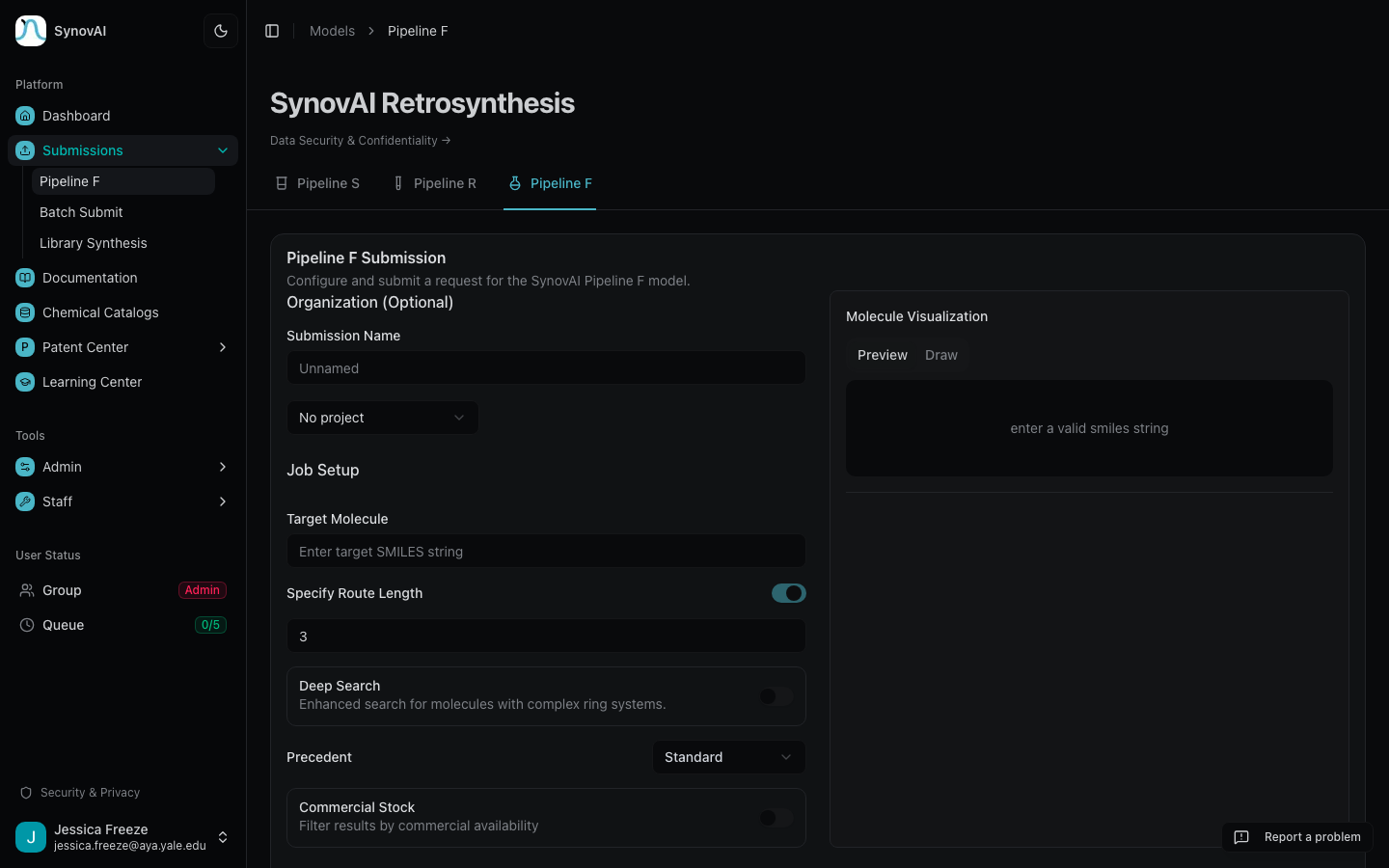
SMILES input
Type or paste a SMILES string directly. The molecule is validated and previewed in real time — a green checkmark indicates a valid structure, a red error indicates a syntax problem.
Try it· Aspirin
CC(=O)Oc1ccccc1C(=O)OAny SMILES you paste gets rendered as a 2D structure next to the input for immediate feedback.
Structure editor (Ketcher)
Click the Draw tab in the molecule viewer to open the Ketcher editor. Ketcher supports:
- Stereochemistry via wedge / dash bonds
- Chirality (R/S, E/Z)
- All elements in the periodic table
- Reaction arrow notation
- SMILES import and export
Click Apply to convert the drawn structure to valid SMILES and return to the form.