Updated May 16, 2026
Chemical catalog imports
Upload SMILES, CAS numbers, or SDF files as your private inventory.
Upload your chemical inventory to filter routes toward starting materials you already have. Navigate to Chemical Catalogs in the sidebar to manage your catalogs.
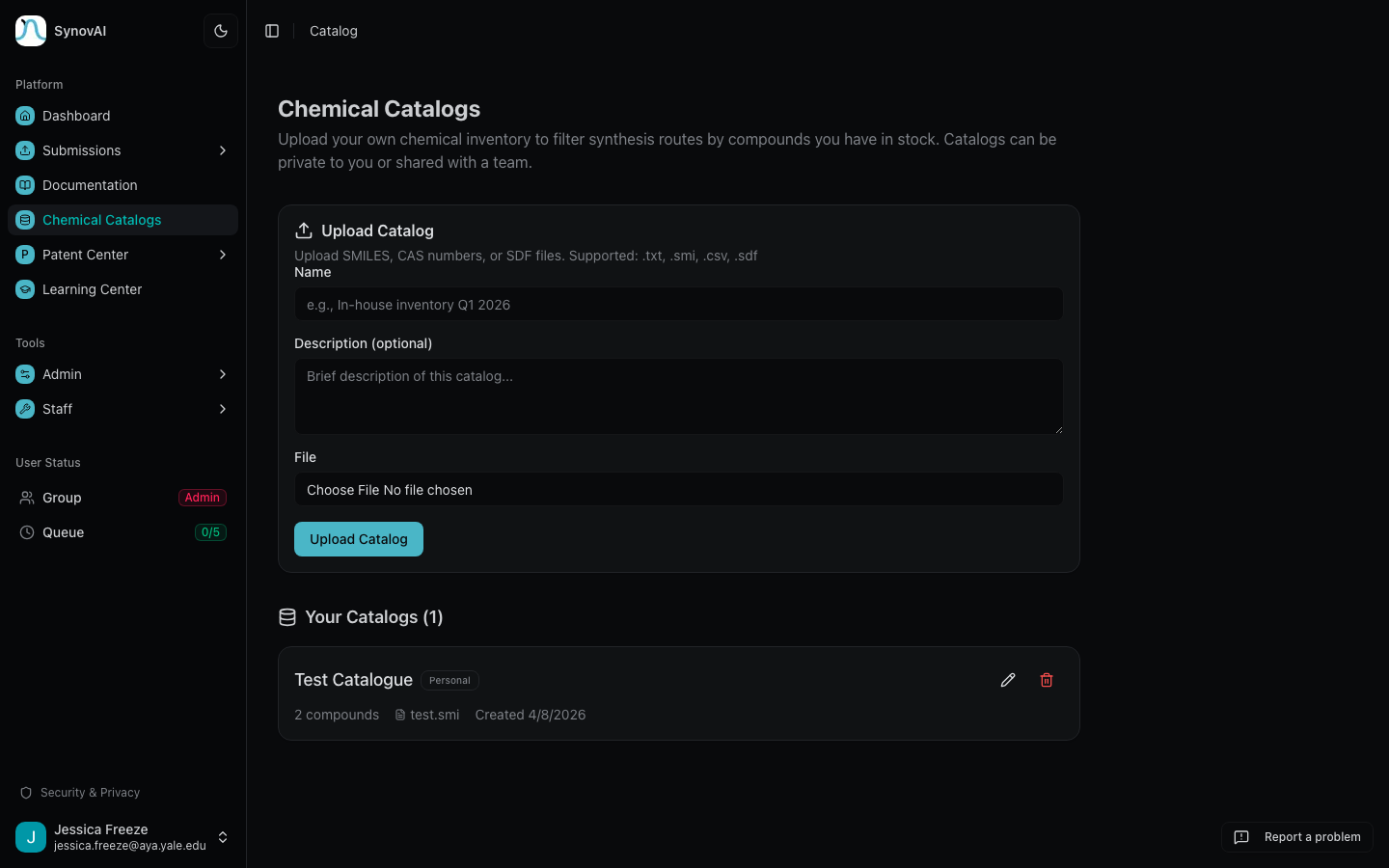
Supported formats
| Format | Extension | Notes |
|---|---|---|
| SMILES | .txt, .smi, .csv | One SMILES per line. |
| CAS numbers | .txt, .csv | Format XXXXX-XX-X. Auto-converted to SMILES via PubChem. |
| SDF / MOL | .sdf, .mol | Structures extracted automatically. |
Catalog modes in retrosynthesis
When submitting a retrosynthesis job, choose between two modes:
- Filter routes — only show routes using starting materials from your catalog (strict).
- Highlight matches — show all routes, but molecules in your catalog get a green border and In catalog badge on every node, not just starting materials (informational).