Invention disclosures
Generate and manage IDF drafts with auto-populated prior art and route metadata.
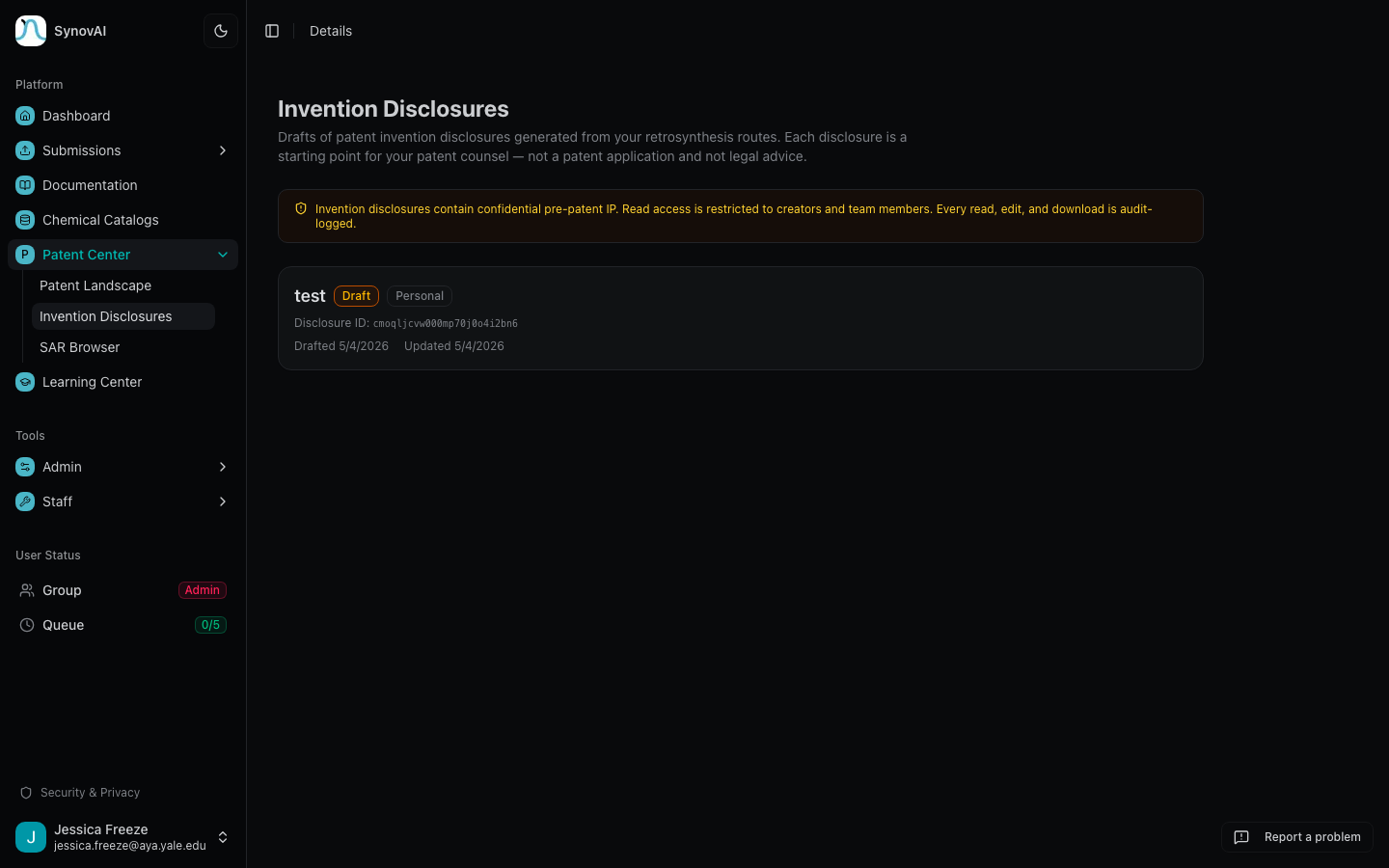
Generate draft invention disclosure documents from a target structure plus the platform's prior-art and route data. Open Patent Center → Invention Disclosures to manage your drafts.
Status lifecycle
Each disclosure carries a status:
- Draft: actively being edited
- In Review: submitted to internal patent counsel
- Filed: passed to outside counsel for filing
- Abandoned: no longer pursued (kept for the audit log)
The status is metadata you set; the platform doesn't gate state transitions. Use it to keep your IP queue legible.
Required fields
A disclosure draft must include:
- Title
- Inventor name(s)
- Problem solved
- Novelty statement
- Contribution statement
These are marked with a red asterisk in the form. Optional fields (prior art, related publications, target SMILES, generated route metadata) populate from the linked task when you create the disclosure from a finished retrosynthesis result.
Export
Each disclosure renders as a structured PDF that includes:
- Identifying metadata (inventors, dates, target structure)
- The substantive sections (problem, novelty, contribution)
- A boilerplate IP-disclaimer page consistent with our Terms of Use
The PDF is generated server-side and downloads via the action menu on the disclosure detail page.
Audit log
Every disclosure event (create, edit, status change, export) is
logged. Admins can review the full trail at /manage/audit/invention-disclosures.
What to read next
- Patent Landscape: find the whitespace compounds that often become the basis for a disclosure.
- Patent attorney reading path: the role-specific workflow.